Technical SEO Made Simple: How to Build a Website Google Actually Wants to Rank
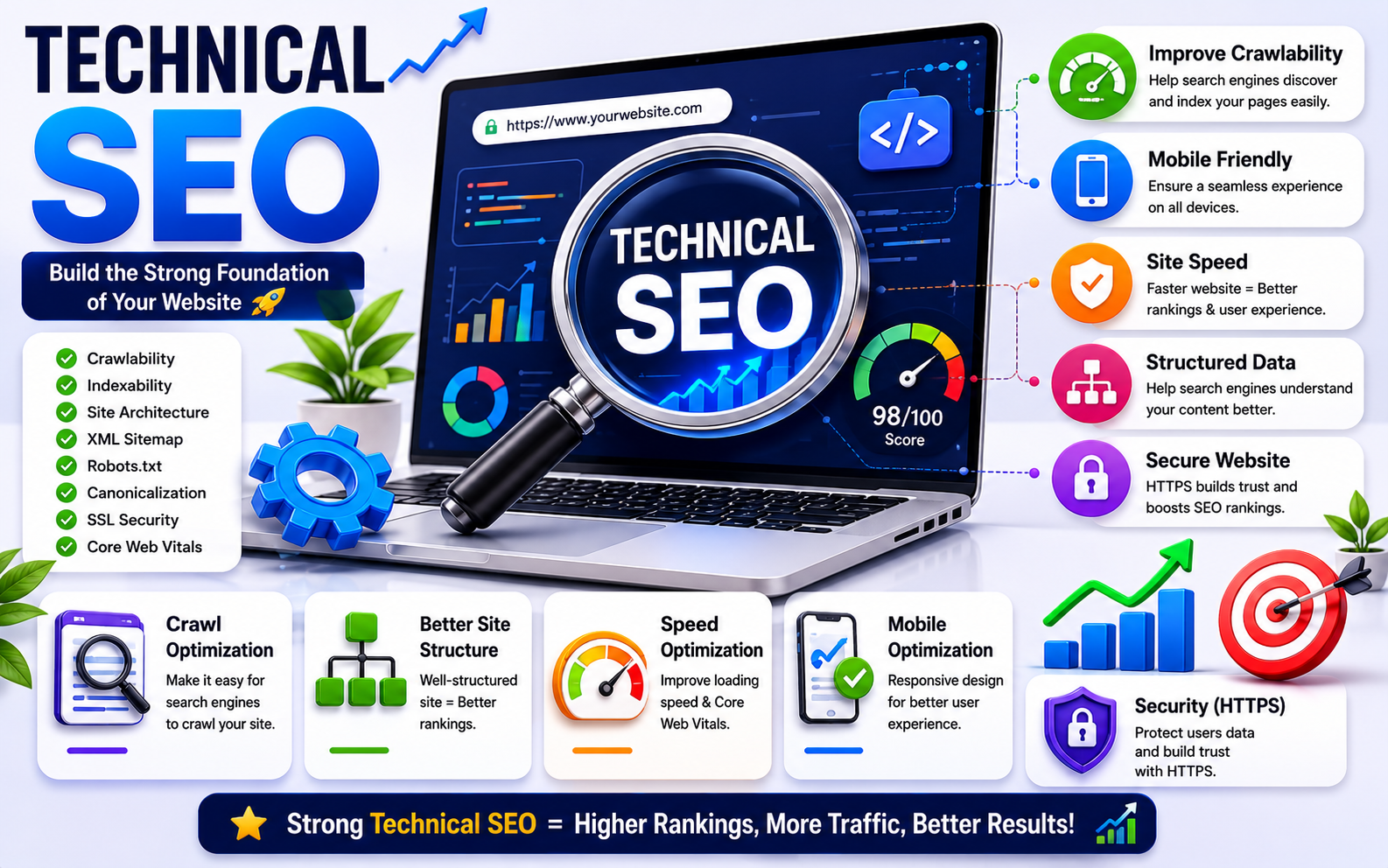
You can have the best products in Thrissur, the prettiest website on the internet, and the smartest marketing in Kerala — and still get beaten on Google by a worse competitor. Why? Because their website is technically easier for Google to read, understand and rank. That's exactly what technical SEO fixes.
In plain language: technical SEO is the work of making your website friendly to Google. Not friendly to humans (that's content). Not friendly to your designer (that's UX). Friendly to the robot that decides whether you appear on page one — or page ten where nobody ever scrolls.
This guide breaks technical SEO into very simple ideas anyone can understand, with built-in visuals to help it stick. By the end you'll know exactly what to check on your own site, what's quietly holding it back, and which fixes actually matter in 2026.
What is technical SEO, really?
Imagine you opened the most amazing shop in your town. But the door is hidden behind boxes, the signboard is upside down, the floor is sticky, and every shelf inside has labels in a language nobody can read. Customers won't know what you sell. Many won't even come in.
Technical SEO is the work of fixing all of that — but for Google. It makes your website easy for the search engine to:
- Find every page on your site (called crawling)
- Read what each page is actually about (called understanding)
- Save the page into its giant library (called indexing)
- Trust that your site is fast, safe and good for users (called ranking signals)
You don't need to memorise these words. You just need to know that if any of those four things break, your rankings break with them. Every single time.
The 5 pillars of technical SEO
Almost every part of technical SEO falls into one of five pillars. Get these right and you've already overtaken 80% of small business websites in Kerala — most of which never bother fixing them.
Let's walk through each pillar in simple language.
Pillar 1: Speed (and why it decides everything)
In 2026, speed is no longer a "nice to have." It's the line between a site that grows and a site that loses customers every minute. Here's the brutal truth:
Google knows this perfectly well. So it pushes faster sites higher in the rankings and quietly buries slow ones. Speed is measured using something called Core Web Vitals. Don't be intimidated by the name — it's only three numbers:
You can check your own site for free using PageSpeed Insights — just search Google for it and paste your URL. It tells you exactly what's slowing you down, in plain English.
What usually slows a site down
- Huge, uncompressed images uploaded straight from a phone
- Too many plugins doing too many things
- Cheap shared hosting that crawls under load
- A bloated theme that loads a hundred things to show ten
- No caching, no image optimisation, no clean-up
Fixing speed is the single biggest technical SEO win for most small business websites. If you do nothing else from this guide, fix this one thing.
Pillar 2: Mobile-friendliness
In 2026, the majority of your visitors are using a phone. Google knows this — which is why it uses something called mobile-first indexing. In simple language: Google looks at your mobile site first when deciding rankings, not your desktop one.
Desktop visitor
Mobile visitor
If your site looks great on a laptop but falls apart on a phone — tiny text, buttons too close together, images cut off, slow loading on 4G — you're penalising yourself before you even compete.
What a mobile-friendly site has
- Text that's readable without zooming in
- Buttons big enough to comfortably tap with a thumb
- No horizontal scrolling, ever
- Reasonable speed on a slow phone network
Right now, open your own website on your own phone. Try to navigate it. Fill in a form. Tap a button. If anything frustrates you, Google notices the exact same thing — and so does every customer you lose.
Pillar 3: Crawlability — can Google even find your pages?
Google has a robot — friendly nickname "Googlebot" — that visits your site, follows your links, and tries to read everything it can. If Googlebot can't reach a page, that page never ranks. Not low. Not at all.
Three things help Googlebot do its job properly:
- A clear sitemap — a simple list of all your important pages, handed to Google directly. Most WordPress SEO plugins create one for you (Yoast, Rank Math). Make sure it exists and is submitted in Google Search Console.
- A clean robots.txt file — a tiny text file that tells Google what not to crawl. The danger? Many websites accidentally block Google from their own pages here. One wrong line, and your whole site can vanish from search.
- No broken links — if a page on your site links to another that doesn't exist, both visitors and Google hit a dead end.
Crawlability issues are silent killers. The site looks completely fine to you, but Google can only see half of it.
Pillar 4: Indexing — getting your pages into Google's library
Crawling is the visit. Indexing is whether Google decides to keep the page in its library.
A page that's been crawled but not indexed doesn't appear in search at all. You can have 200 pages on your site and only 80 in Google's index — and most owners never realise this is happening.
"My website has 150 pages." Google: "I'm only showing 60."
The fix is simple: open Google Search Console (it's free, made by Google). Go to the "Pages" report. It tells you exactly which pages are indexed, which are not, and why each one is excluded.
Common reasons pages get left out
- The page is accidentally marked "noindex"
- The page is too thin — just a few sentences with nothing useful
- The page is treated as a duplicate of another one
- The page is blocked by robots.txt (we just covered this)
- The page returns errors that Googlebot couldn't get past
Every one of these has a clear, well-known fix — but you can only fix what you can see, which is why Search Console is non-negotiable for any serious website.
Pillar 5: Site structure — how your pages connect
Imagine a city with no street map, no signposts, no logic to it. Visitors get lost. Now picture a city with clear main roads and clear signs everywhere — easy to navigate, easy to remember.
Your website is exactly the same. Google understands a site much better when it has clear, logical structure. The simplest, strongest model is called hub-and-spoke:
- Your homepage sits at the centre.
- It links out to your main category pages (services, products, blog, about).
- Each category page links down to the specific pages beneath it.
- Related pages link sideways to each other (these are internal links, and they're powerful).
Why structure matters this much
- Google can crawl deeper, faster — finding even new pages quickly
- "Ranking power" (built up by trust and backlinks) flows from your strongest pages down to newer ones
- Real visitors find what they need without getting lost or giving up
A simple rule worth tattooing on every web designer: every important page should be reachable in 3 clicks or less from the homepage. If a page takes 5 or 6 clicks to reach, neither Google's robot nor a real customer will find it.
Other technical signals that matter
HTTPS — the little padlock
If your site URL still starts with http:// instead of https://, you're broadcasting two messages at once: "not secure" to visitors, and "outdated and untrustworthy" to Google. Almost every hosting provider offers free SSL certificates today. In 2026, there is genuinely no excuse to be without one.
Clean URLs
Compare these two links:
- capareach.com/?p=2493&cat=4&ref=fb
- capareach.com/local-seo-thrissur/
Which one would you trust more in a search result? Google feels exactly the same. Short, clean URLs with real words help both people and search engines.
Structured data (schema)
Schema is a small piece of extra code on your page that tells Google in plain terms what your content is — "this is an article," "this is a product with a 4.8 rating from 235 reviews," "this is a business in Thrissur with these opening hours." It doesn't change how the page looks to visitors. But it makes your site eligible for what's called a rich snippet — the star ratings, FAQs and extra details you see in Google search results that grab the eye.
Adding the right schema can lift your click-through rate massively — without changing your actual rankings — simply because more people choose your result over the boring ones around it.
No silent technical errors
Things like duplicate title tags, missing meta descriptions, 404 errors, infinite redirect loops, soft 404s — none of them dramatic on their own, but together they create a site Google quietly stops trusting. Audit, fix, move on.
The most common technical SEO mistakes
If you check almost any small Kerala business website right now, you'll find at least three of these:
- Massive images uploaded straight from a phone or camera, never compressed
- Blocking Google in robots.txt — usually a leftover from when the site was being built
- Cheap shared hosting that saves a little money and costs many customers
- No HTTPS padlock — instantly signals a site that's behind the times
- No mobile testing — building everything on desktop and assuming phones will manage
- Orphan pages — important pages with no internal links pointing to them, so Google barely knows they exist
- Duplicate content across multiple pages that confuses Google about which one to rank
- A broken or missing XML sitemap
- 404 pages with no redirects that bleed away both trust and traffic
Every one of these is fixable in hours, not weeks. The hardest part is just knowing to look.
How to check your own site (a free 20-minute audit)
You don't need expensive tools to spot most problems. Here's a free DIY audit anyone can run on their own site this afternoon:
- Run your homepage through PageSpeed Insights. Note the scores and top recommendations.
- Open Google Search Console and submit your sitemap. Check the "Pages" report — see what's indexed and what isn't.
- Use Google's Mobile-Friendly Test on your homepage and 2–3 key pages.
- Open your site on your own phone. Notice anything slow, broken or hard to tap.
- Look at the URL bar — does it start with https://? Is there a padlock?
- Look at your URLs. Are they short and readable, or full of ?id=1234 mess?
- Search Google for site:yourdomain.com. Compare how many pages appear to how many you think you have.
- Click around your own site like a stranger. Can you reach any page in 3 clicks?
If anything looks off, write it down. You now have your first prioritised technical SEO to-do list — and you didn't pay a single rupee for it.
When to bring in a technical SEO expert
DIY is fantastic for spotting problems. But fixing them often needs deeper work:
- Professional audit tools that cost money but reveal far more
- The skill to read crawl reports, server logs and Core Web Vitals data properly
- Hands-on experience fixing speed, schema, redirects or migrations without breaking anything else
- The judgement to know what to fix first — because every site has a long list, and the order makes the difference between weeks and months of progress
If your site is small and simple, you can probably handle most things yourself with patience and a few Sundays. If you're losing customers, your rankings have suddenly dropped, or your site is older and more complex, a proper technical SEO audit is genuinely the fastest way to get back on track.
- Technical SEO makes your site easy for Google to find, read, save and trust.
- The five pillars are Speed, Mobile, Crawlability, Structure, and Trust signals.
- Fixing speed is the single biggest win for most small business sites.
- Use PageSpeed Insights and Google Search Console — both free, both essential.
- Great content sits on top of technical SEO. If the foundation cracks, everything above it falls.
Final thoughts: technical SEO is the foundation
Great content, great marketing, beautiful design — they all live on top of technical SEO. If the foundation is cracked, nothing built above it will stand for long. Slow site? You'll lose half your visitors. Bad indexing? Your best pages never get seen. Weak structure? Your authority leaks away. None of it dramatic — all of it costing you, every single day.
The good news is you don't need to fix everything at once. Start with the highest-impact wins — speed, mobile, indexing — and work your way down. Each fix compounds. After a few months you'll have a site Google trusts, and a real, visible lift in rankings, traffic and customers walking through the door.
If you'd like a proper, prioritised, plain-English audit of your own site — built for businesses in Thrissur and across Kerala — that's exactly what I do. Tell me your website and your goals, and we'll find what's holding you back.

Want a proper technical SEO audit?
Get a forensic, prioritised, plain-English report on exactly what's holding your website back — and how to fix it in order of impact.
Work with me → ← Back to all articles